TVs TiVo 43 inch Full HD DLED Smart FVP Black — 9469422
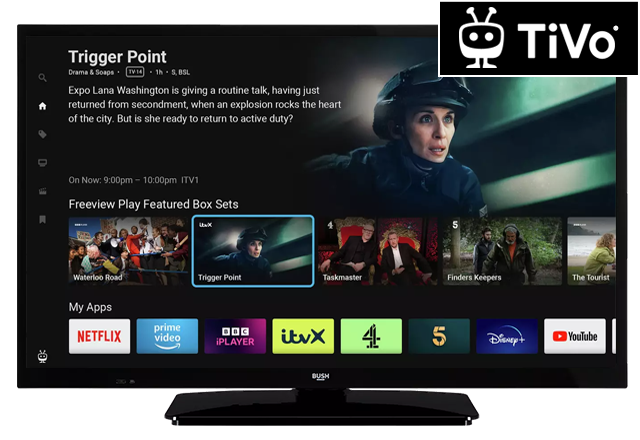
Help & Support for your TVs TiVo 43 inch Full HD DLED Smart FVP Black — 9469422
- Set a timer
You can set timers for future events. It is not possible to set timers for two or more events that will broadcasted in different channels at the same time interval. In this case you will be asked to…
- Setting up the Parental Controls
Press Home to access the Home Screen .…
- Connect a sound bar
Before connecting a device to your TV, ensure your TV and the device are turned off and unplugged from the mains power.…
- Connecting the aerial
Press the Standby to turn your TV off.…
- Change the energy saving setting
Press Home to access the Home Screen .…
- Mute your TV
To mute the TV volume, press Mute.…
- Edit / cancel a timer
To edit a timer, p ress Home to access the Home Screen .…
- How to create a custom picture setting
Besides built-in picture setting modes, you can set your own levels on Contrast, Brightness, Sharpness and Colour for a more user defined picture setting.…
- Getting to know your TV
LAN Socket: Used to attach an Ethernet cable for wired internet connection.…
- Perform IR remote test
The purpose of the remote test is to find out if the remote control is sending a signal to your TV. To carry out the test you will need a smart phone with a front facing camera.…